SPACEFITFree spatial fit tool
Will your furniturefit?
FIG. 01Live geometry
3D · loading
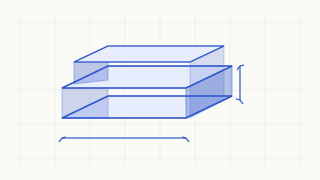
Fig. 01 — Parametric bounding box, doorway aperture and measurement axes
Fixed example dimensions. Enter your own measurements in the fit tool.
Measure your furniture, check your doorway, and explore spatial fit in an interactive 3D environment. One geometry engine drives every number, every dimension line and every verdict.
- No account
- Free to use
- Computed in your browser
- Model
- Rectangular bounding box
- Units
- mm · cm · m · in · ft
- Engine
- Shared geometry source
- Access
- No sign-up
Quick start
Check a fit in under a minute
Enter five measurements. We pass them to the full tool, where room size and orientation are added before any verdict is shown.
TOOL / 01
Check Fit Your values are carried over, not evaluated on this page.
What this quick check decides
These fields only pre-fill the doorway section check. Room dimensions, posture and the six axis-aligned orientations are set in the full tool. No complete carrying-path conclusion is produced here.
Furniture types
Start with what you are moving
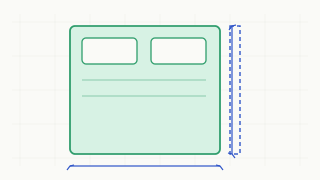
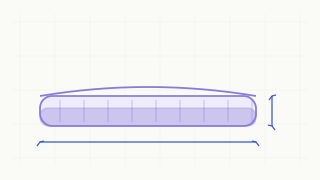
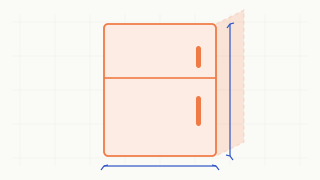
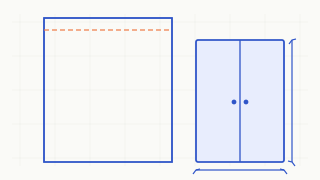
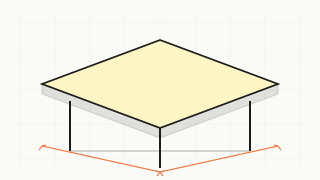
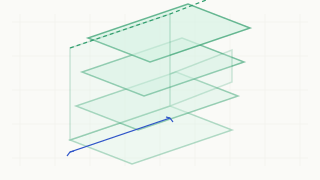
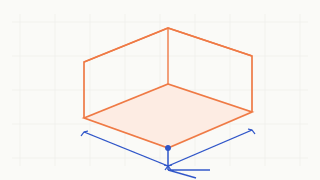
Pick a category to open the fit tool with that furniture type selected. The geometry is still driven entirely by the dimensions you enter.
How it works
From a tape measure to an honest answer
Five steps, one shared millimetre model. Nothing is inferred from a picture.
- 01
Measure your furniture
Record length, width and height of the smallest rectangular box that contains the item.
- 02
Measure your doorway
Use the clear opening width and height, not the outer frame or the door leaf.
- 03
Set your space
Add room width, length and height so a static volume check is possible.
- 04
Explore the 3D fit
Orbit a real scene rebuilt from those numbers, with dimension lines and the oriented bounding box.
- 05
Review the result
Read remaining clearance, conflicts, tested orientations and the stated limits of the model.
3D spatial demonstration
Six poses. Real geometry.
Switch an axis-aligned orientation and the engine recomputes the projected bounding box against the same doorway opening. Nothing is pre-rendered.
WebGL · loading
Knowledge & guides
Measure it properly
Reviewed, bilingual guides with worked examples and explicit boundaries.
Measuring
How to Measure a Doorway for Furniture
Which opening dimensions matter, where to place the tape, and what the frame depth changes.
Measuring
How to Measure a Sofa Before Moving
Capture the true bounding box of a sofa, including arms, cushions and feet.
Clearance
Sofa Doorway Clearance
A worked section comparison with remaining clearance and an honest conditional result.
Dimensions
Furniture Dimensions Explained
Length, width, height and how they map onto the six axis-aligned orientations.
Method
Understanding Furniture Fit
The method, limitation codes and why a bounding box is not a transport path.
FAQ
A few things worth clearing up
Short answers to the questions that change how the result should be read.
Do I need an account to use the tool?
No. There is no registration, login, cloud profile or paid tier. The core tool runs directly in the browser and your measurements stay on the page.
Does a good-looking 3D scene mean the furniture will definitely get in?
No. The model uses rectangular bounding boxes and six axis-aligned orientations. Stair turns, door leaves, handrails and human handling are not modelled. When input is insufficient the result is CONDITIONAL and names what is missing.
Is this a full moving-path simulation?
No. It is a doorway section check plus a static room volume check. A complete carrying path is explicitly not modelled; the tool states this limitation in its result.